

If you’re searching for the best OptiSigns alternative, you’re likely comparing pricing, ease of use, supported devices, and features like remote screen management, digital menu boards, and content scheduling.
While OptiSigns is one of the most well-known digital signage platforms, it isn’t always the most cost-effective or easiest solution for every business. As organizations deploy more screens across restaurants, retail stores, offices, hotels, and healthcare facilities, monthly costs and management complexity can quickly increase.
Fortunately, there are several excellent OptiSigns competitors that offer similar—or even better—features for specific use cases.
In this guide, we’ll compare the best digital signage software based on pricing, supported operating systems, cloud management, scalability, and overall value.
If you’re still evaluating OptiSigns itself, check out our complete OptiSigns pricing guide:
Quick comparison
| Software | Starting Price | Best For | Android | Samsung Tizen | LG webOS | Windows |
|---|---|---|---|---|---|---|
| BuzzBlender | $5/screen/month | Restaurants, Retail, SMBs | ✅ | ✅ | ✅ | ✅ |
| OptiSigns | $10/screen/month | General Business | ✅ | ✅ | ✅ | ✅ |
| Yodeck | From $8/month | Small Businesses | ✅ | Limited | Limited | ✅ |
| ScreenCloud | Premium | Enterprise | ✅ | ✅ | ✅ | ✅ |
| Rise Vision | From $11/month | Education | ✅ | Limited | Limited | ✅ |
| NoviSign | Custom | Interactive Displays | ✅ | ✅ | ✅ | ✅ |
| TelemetryTV | From $9/month | Enterprise | ✅ | ✅ | ✅ | ✅ |
| Xibo | Free (Self-hosted) | Developers | ✅ | Community | Community | ✅ |
| Play Digital Signage | From $8/month | SMBs | ✅ | ✅ | ✅ | ✅ |
| Spectrio | Custom | Enterprise | ✅ | ✅ | ✅ | ✅ |
Why Look for an OptiSigns Alternative?
Businesses switch from OptiSigns for a variety of reasons:
- Lower monthly costs
- Easier content management
- Simpler onboarding
- Better value for growing businesses
- Flexible deployment across multiple operating systems
- Improved scalability for multi-location organizations
- Features tailored to restaurants, retail, education, or healthcare
Choosing digital signage software isn’t just about price. Reliability, ease of management, supported hardware, and customer support all play an important role.
How We Compared These Platforms
To create this comparison, we evaluated each platform using the criteria most businesses care about:
- Pricing and value
- Ease of setup
- Cloud-based management
- Content scheduling
- Playlist support
- Multi-location management
- Supported operating systems
- Video wall capabilities
- Scalability
- Best-fit industries
1. BuzzBlender — Best Overall OptiSigns Alternative
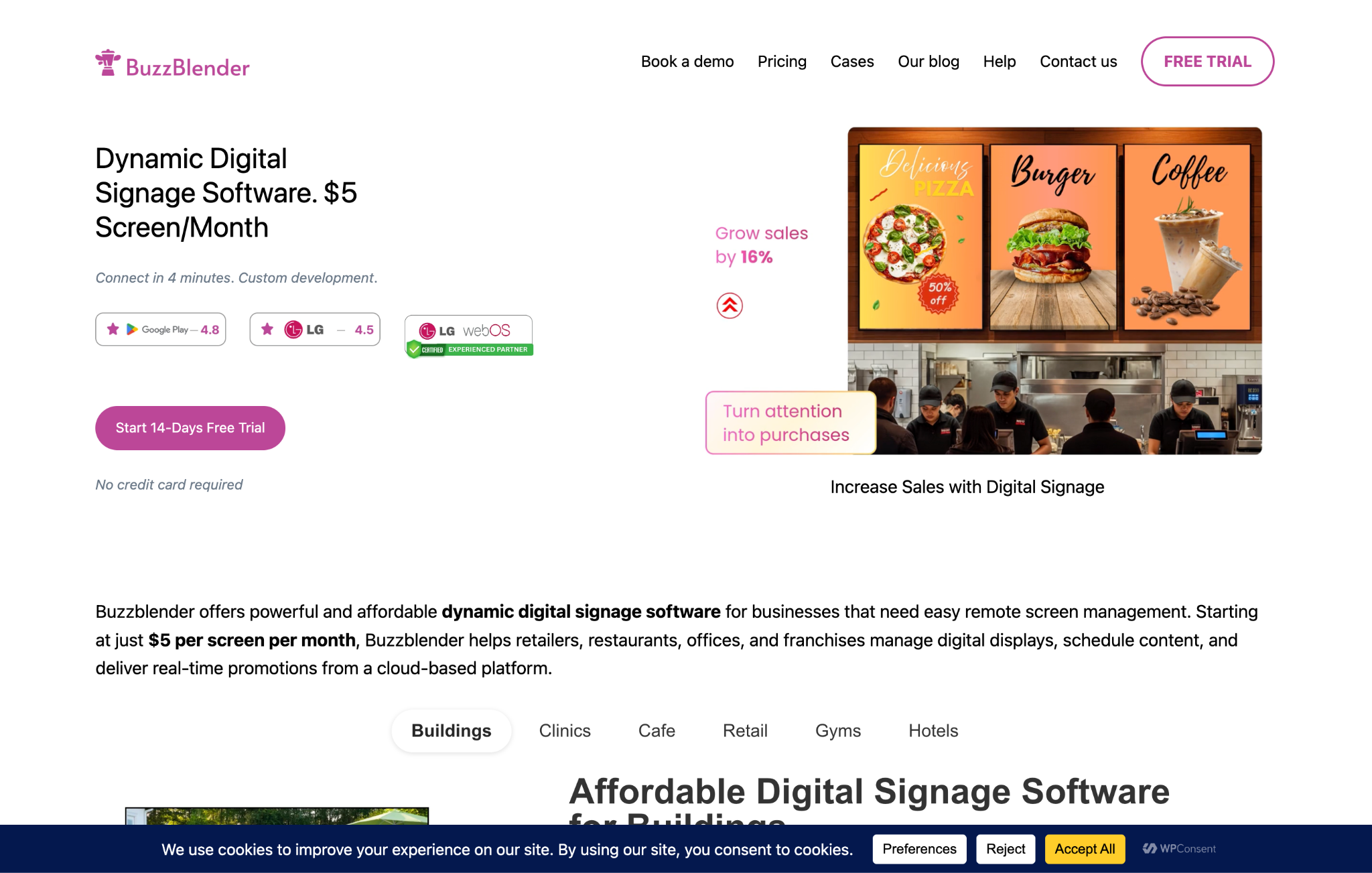
Website: https://buzzblender.com/
For businesses looking to reduce digital signage costs without sacrificing essential functionality, BuzzBlender is one of the strongest OptiSigns alternatives.
With plans starting at just $5 per screen per month, BuzzBlender offers cloud-based digital signage that’s simple to deploy, easy to manage, and designed for organizations that want reliable screen management without unnecessary complexity.
Whether you’re managing one display or hundreds across multiple locations, administrators can remotely publish content, schedule playlists, update menus, and manage screens from a single dashboard.
Key Features
- Cloud-based digital signage
- Remote screen management
- Content scheduling
- Unlimited playlists
- Image and video playback
- Dynamic QR codes
- Video Wall support
- Multi-location management
- Android TV support
- Samsung Tizen support
- LG webOS support
- Windows support
- Browser-based dashboard
Pros
- Affordable pricing
- Fast setup
- Clean, intuitive interface
- Excellent device compatibility
- Great value for growing businesses
Cons
- Smaller integration marketplace than some enterprise-focused competitors
2. Yodeck
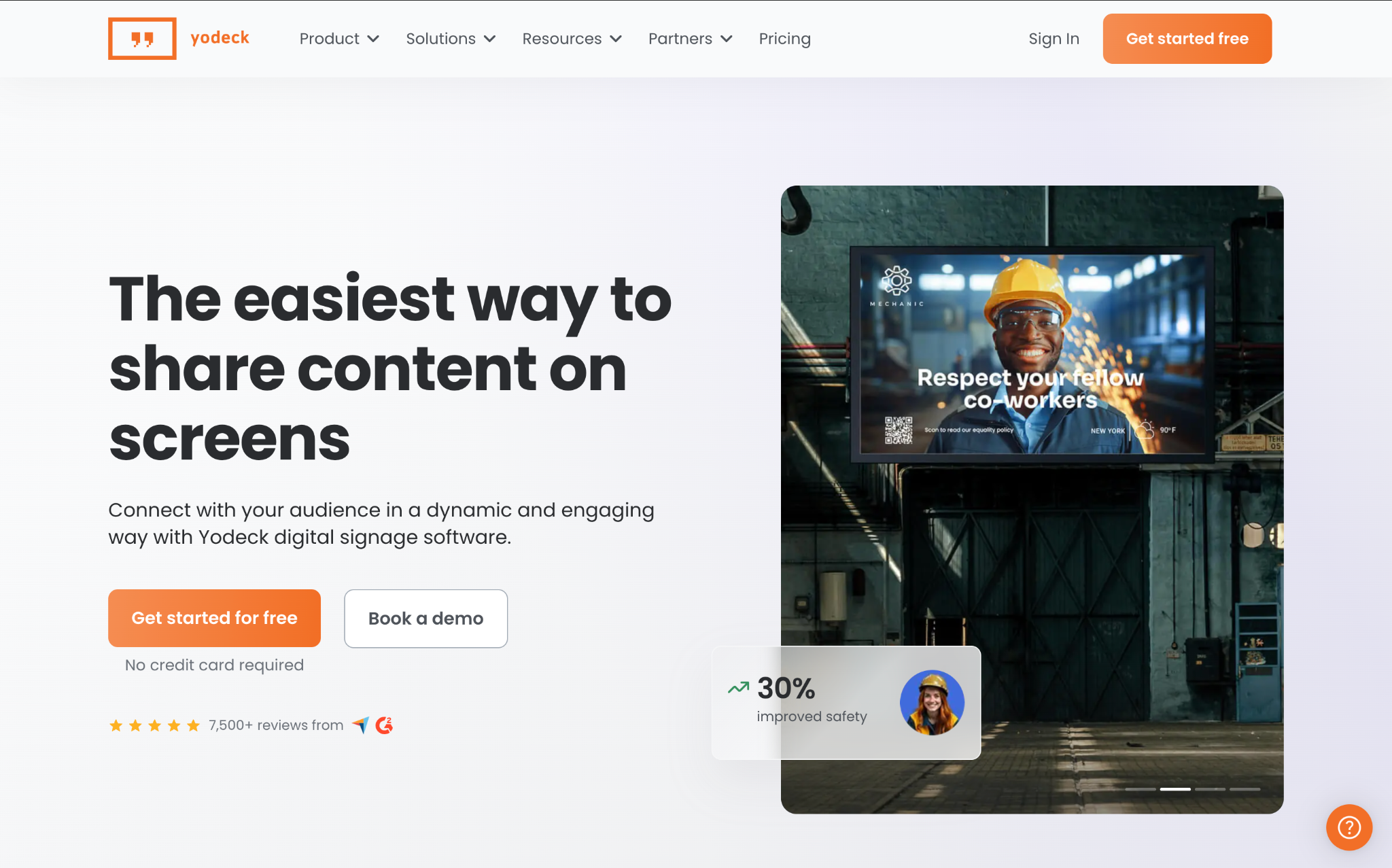
Yodeck is a cloud-based digital signage platform known for its Raspberry Pi deployment model and user-friendly interface.
It includes drag-and-drop content management, playlists, scheduling, and a library of templates, making it a solid choice for schools, offices, and small businesses.
Pros
- Easy to deploy
- Free starter plan
- Good template selection
Cons
Some advanced capabilities require paid plans
Hardware options are more limited than competitors
Best for: Small businesses and organizations starting with digital signage.
3. ScreenCloud
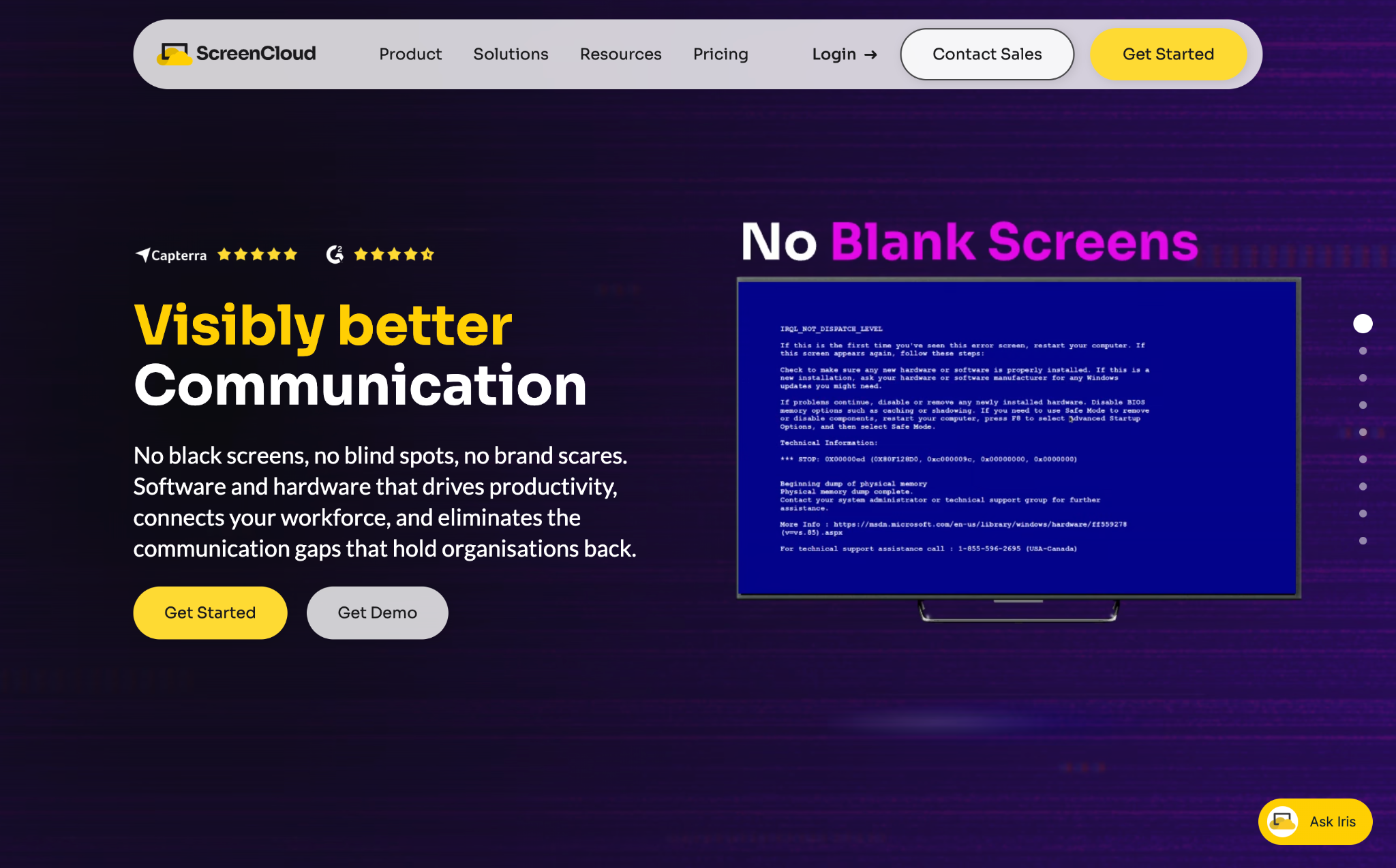
ScreenCloud focuses on enterprise communication.
Its extensive integration marketplace supports Slack, Microsoft 365, Google Workspace, dashboards, and internal communication tools, making it popular with larger organizations.
Pros
- Excellent integrations
- Enterprise-ready
- Modern user experience
Cons
- Higher pricing
- More features than many small businesses require
Best for: Corporate communications and enterprise deployments.
4. Rise Vision
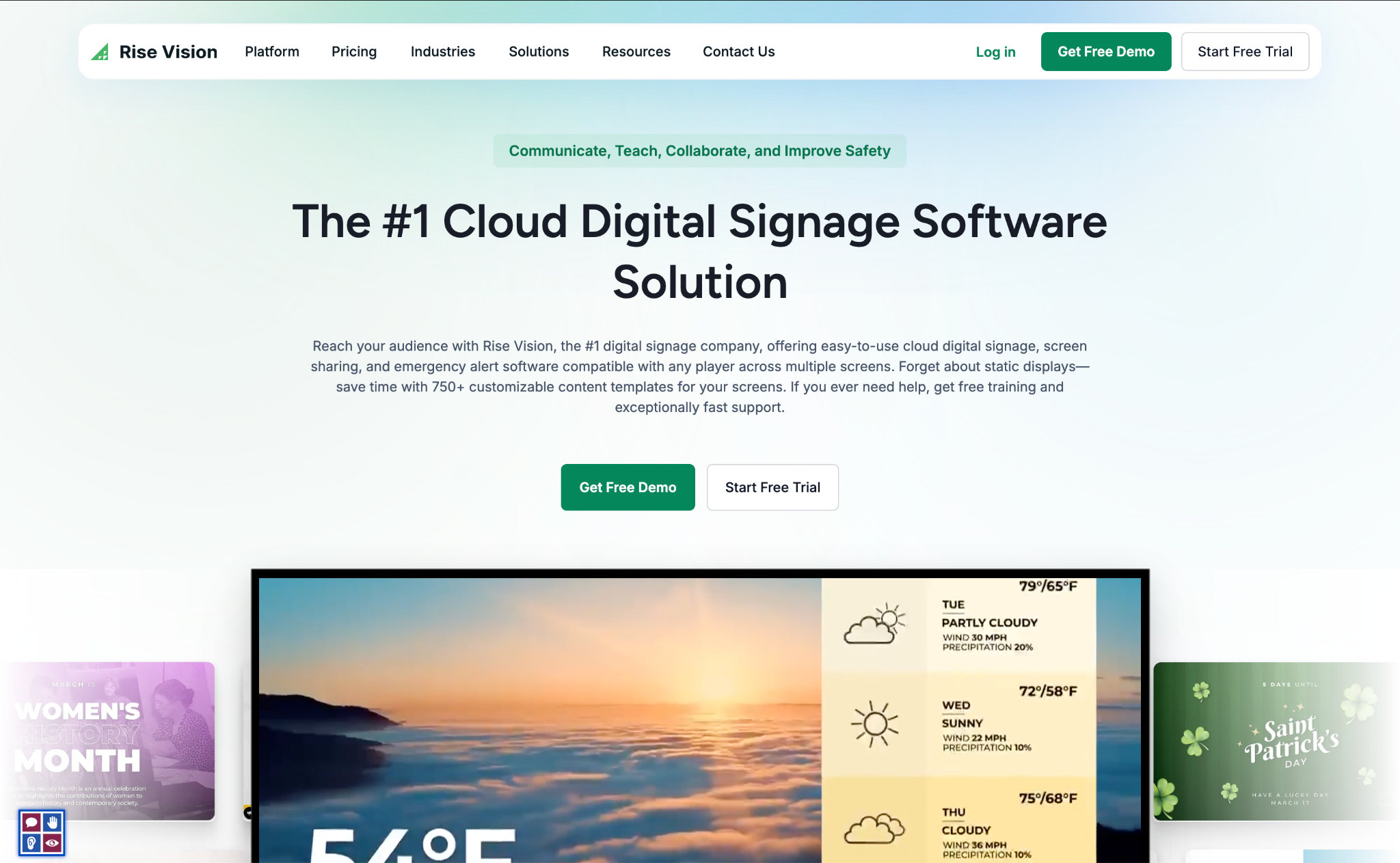
Rise Vision specializes in educational digital signage.
Schools use it for announcements, emergency notifications, lunch menus, event calendars, and campus communications.
Pros
- Education-focused templates
- Easy scheduling
- Reliable cloud platform
Cons
Less suited for retail or hospitality
Best for: Schools and universities.
5. NoviSign
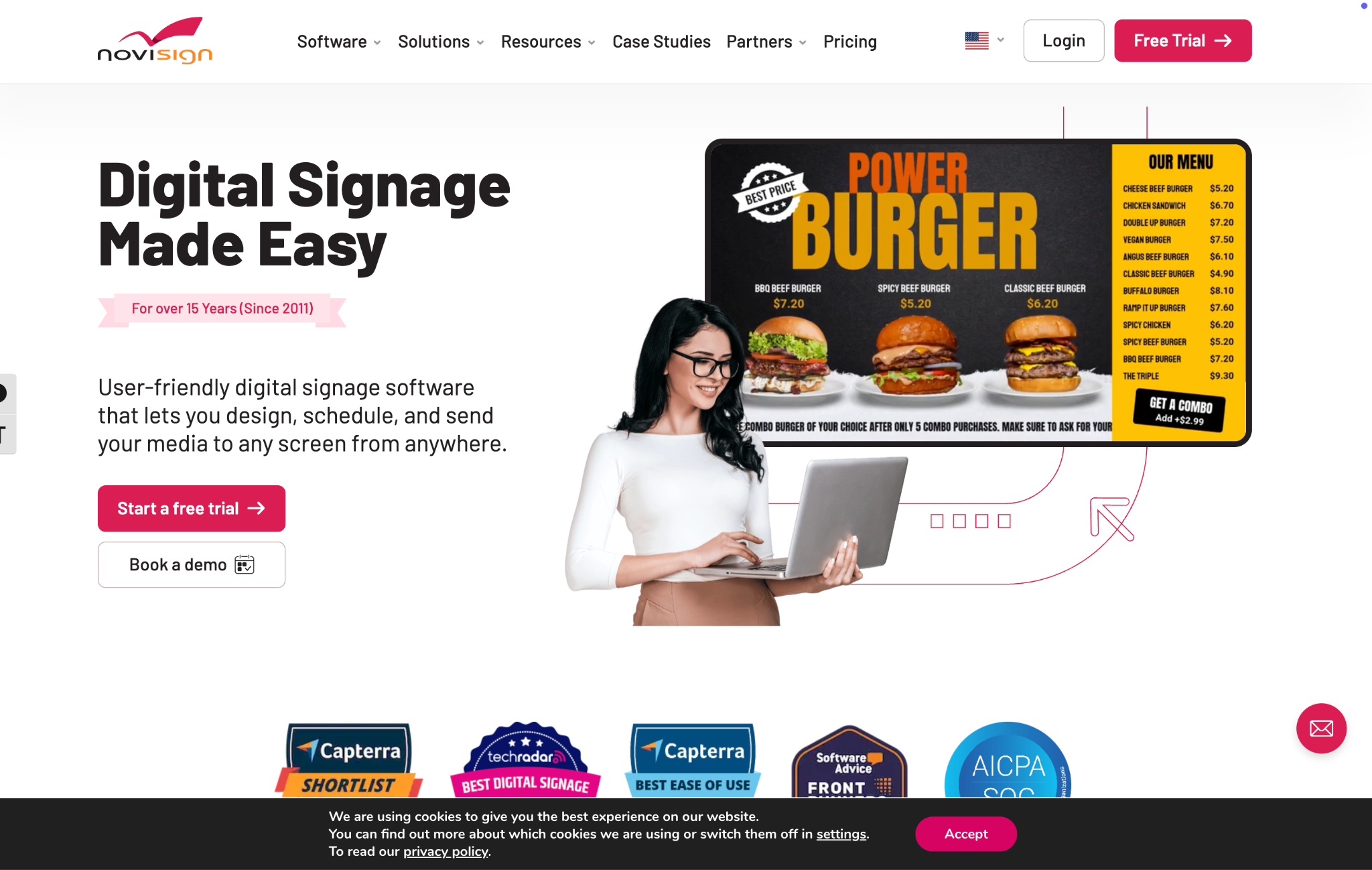
NoviSign emphasizes interactive experiences with support for touchscreens, kiosks, and multilingual content.
It serves healthcare providers, museums, retailers, and hospitality businesses.
Pros
- Interactive displays
- Touchscreen support
- Flexible design tools
Cons
Learning curve for beginners
Best for: Interactive kiosks.
6. TelemetryTV

TelemetryTV provides enterprise-level digital signage management with advanced analytics, centralized administration, and security features.
Large organizations appreciate its scalability and robust device management.
Pros
- Enterprise security
- Strong reporting
- Reliable performance
Cons
Premium pricing
Best for: Enterprises managing large screen networks.
7. Xibo
Xibo is one of the best-known open-source digital signage platforms.
Organizations can self-host the software or deploy it in the cloud, making it attractive to developers and IT departments seeking maximum flexibility.
Pros
- Open source
- Highly customizable
- Self-hosted option
Cons
- Requires technical expertise
- Longer deployment time
Best for: Developers and IT teams.
8. Play Digital Signage
Play Digital Signage is designed around simplicity.
Its intuitive interface makes it easy for businesses to create playlists, schedule content, and manage displays remotely.
Pros
- User-friendly
- Good value
- Easy onboarding
Cons
Smaller ecosystem than enterprise competitors
Best for: Small businesses.
9. Spectrio
Spectrio combines digital signage with customer engagement tools including background music, on-hold messaging, and interactive experiences.
It primarily serves enterprise retail, healthcare, and financial institutions.
Best for: Large multi-location organizations.
10. Look Digital Signage
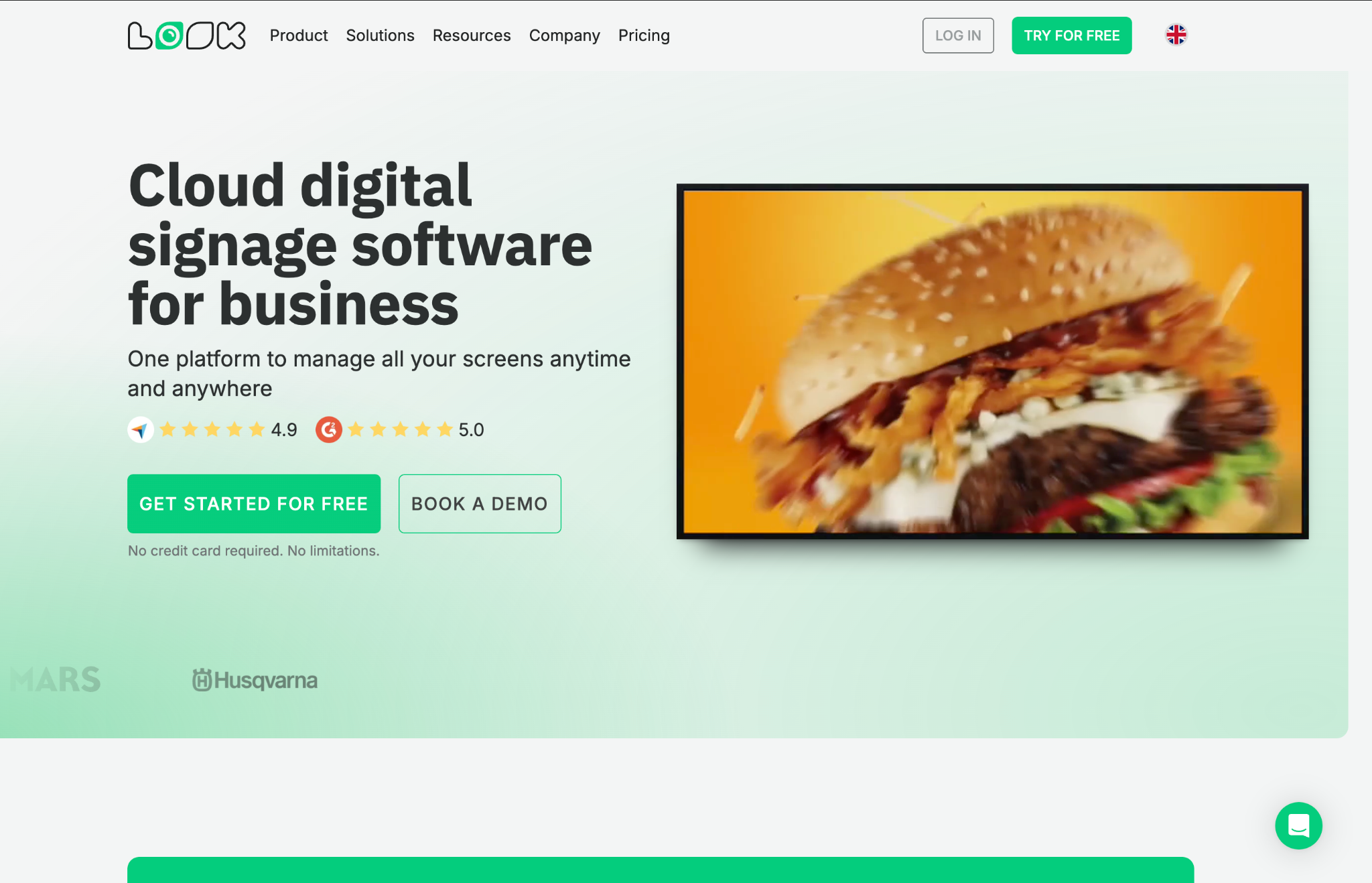
Look Digital Signage offers enterprise-grade screen management with analytics, templates, scheduling, and touchscreen capabilities.
Its centralized dashboard makes managing distributed displays straightforward.
Best for: Retail chains and hospitality businesses.
OptiSigns vs BuzzBlender
| Feature | BuzzBlender | OptiSigns |
|---|---|---|
| Starting Price | $5/screen | $10/screen |
| Cloud Dashboard | ✅ | ✅ |
| Remote Management | ✅ | ✅ |
| Scheduling | ✅ | ✅ |
| Playlists | ✅ | ✅ |
| Video Walls | ✅ | ✅ |
| QR Codes | ✅ | ✅ |
| Android TV | ✅ | ✅ |
| Samsung Tizen | ✅ | ✅ |
| LG webOS | ✅ | ✅ |
| Windows | ✅ | ✅ |
Which Digital Signage Platform Is Right for You?
Different businesses have different requirements.
Restaurants
Look for digital menu boards, scheduling, video playback, and remote updates. BuzzBlender is particularly well suited for restaurants and cafés because of its affordable pricing and simple content management.
Retail Stores
Retail businesses benefit from dynamic promotions, QR codes, and centralized management across multiple locations.
Schools
Rise Vision remains one of the strongest choices for educational institutions.
Corporate Offices
ScreenCloud and TelemetryTV excel at internal communications and dashboard integrations.
Developers
If customization is your highest priority, Xibo offers unmatched flexibility through its open-source platform.
Frequently Asked Questions
What is the best OptiSigns alternative?
BuzzBlender offers one of the best combinations of affordability, cloud management, and ease of use. Enterprise organizations may also consider ScreenCloud or TelemetryTV, depending on their requirements.
Is there a free alternative to OptiSigns?
Yes. Xibo is available as an open-source platform, and Yodeck offers a free plan with limited features.
Which digital signage software is best for restaurants?
Restaurants generally need menu board support, scheduling, remote updates, and video playback. BuzzBlender is designed to support these use cases while remaining affordable.
Which OptiSigns competitor is the cheapest?
Among commercial cloud-based platforms, BuzzBlender offers one of the lowest starting prices at $5 per screen per month.
Which platforms support Samsung Smart TVs?
Most leading platforms—including BuzzBlender, OptiSigns, ScreenCloud, NoviSign, and TelemetryTV—support Samsung Tizen devices.
Can I manage screens remotely?
Yes. All of the platforms in this comparison provide cloud-based remote management, allowing administrators to update displays from anywhere with an internet connection.
Final Verdict
OptiSigns remains a capable digital signage platform, but it’s no longer the only excellent option available.
Businesses looking for enterprise integrations may prefer ScreenCloud or TelemetryTV, while schools often benefit from Rise Vision. Developers seeking full control may choose Xibo.
For organizations that want affordable pricing, cloud-based management, support for Android TV, Samsung Tizen, LG webOS, Windows, remote scheduling, playlists, QR codes, and video walls, BuzzBlender offers one of the strongest value propositions available today.
By comparing pricing, features, scalability, and ease of use, you can choose the digital signage platform that best fits your business today—and continues to support your growth in the future.
